How it works
Four steps. One link per family.
Making a digital wedding invitation on ShaadiMode takes four steps: pick one of 37 designs, add your guests, send it on WhatsApp (on Plus, each family gets its own link), then run the wedding as replies come in. Guests install nothing. Change a time once and guests, vendors and drivers all hear it.


01
Pick a design
Every one of our 37 designs is live. What you preview is exactly what your guests receive.
See the designs →
- Sharma family4 guests · Groom’s sideReplied
- Rhea Malhotra1 guest · FriendsSent
- Kapoor family3 guests · Bride’s sideReplied
02
Add guests
Paste a list or bring your contacts. Group by side or by function, and everyone becomes their own link.

Sharma Family
Rhea & Kabir’s wedding
03
Send family links
Every family gets its own link, greeted by name, showing only what they're invited to.
See a sample film →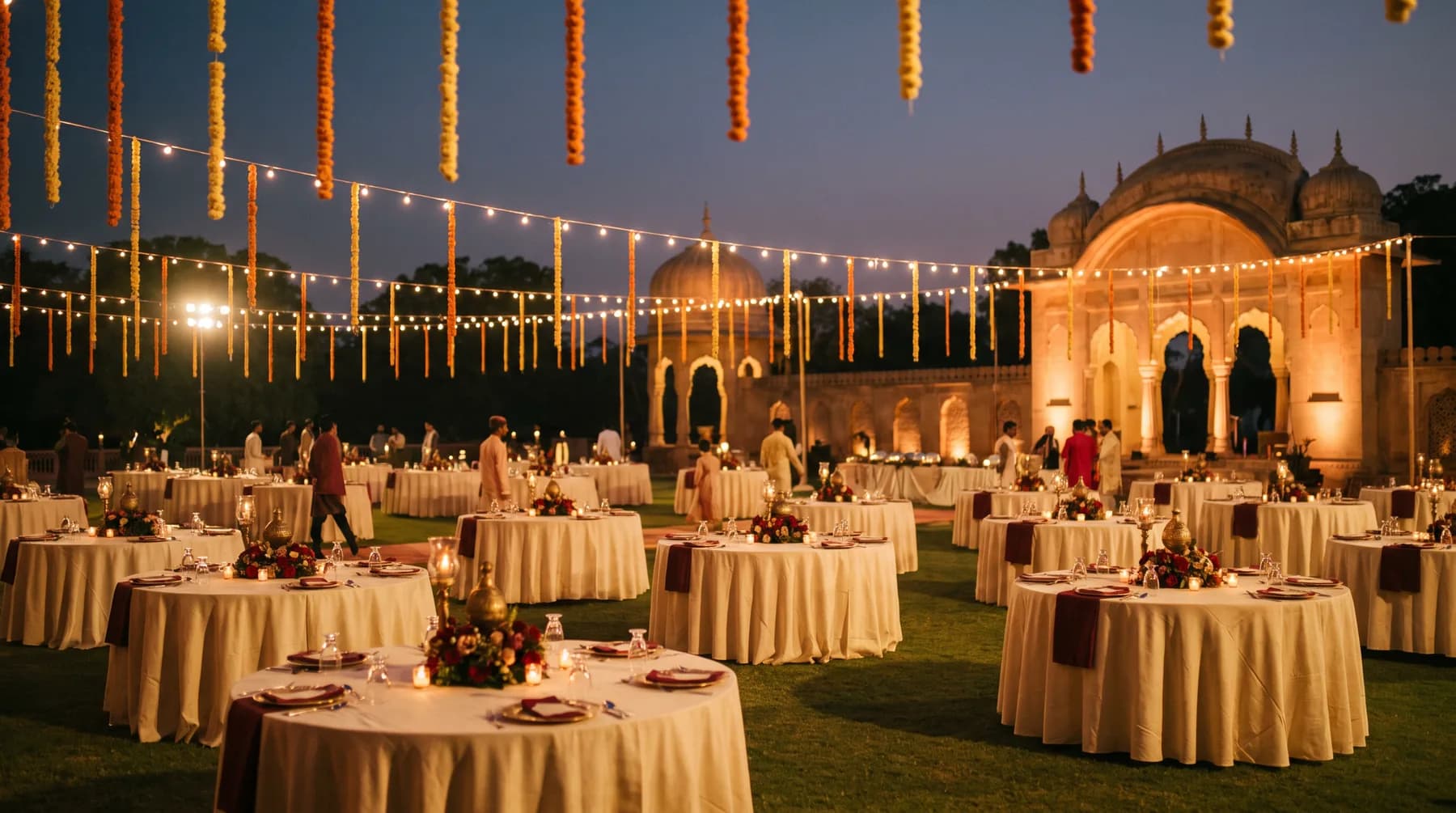
- Baraat arrives at the gate
- Pheras begin, Lakeside Mandap
- Lunch service, Durbar Lawn
04
Run the wedding
Replies land live. Change a time once and guests, vendors and drivers all hear it.
Questions
Questions about making and sending it
How long does it take to make a digital wedding invitation?
A few minutes. Pick a design, type your names, date and city, and add your functions, and your link is live within minutes. Photos, your story and the guest list can come later; the same link updates whenever you change something.
Do guests need to install an app?
No. The invitation is a link that opens in WhatsApp's own browser or any phone browser. There is nothing to download and nothing to install, on any plan.
How do guests reply?
Per person, per function: attending, declined or not yet answered, with a meal choice and a plus-one's name where relevant. Replies land on one dashboard. On Signature, guests can also reply inside the WhatsApp chat itself.
Can each family see only the functions they are invited to?
Yes, on Plus and above. Each family gets its own link, greeted by its own name, showing only its functions, with its room and pickup where you have added them.
How do I make a caricature or musical wedding invitation?
For a caricature film, pick one of the films, keep its painted couple or upload your own caricature, and add your names, date and venue. For Gaana Invite, choose a song, add your families and functions, then listen to your song and approve it; each guest's film is then made with their name.
Can I change the invitation after sending it?
Yes. Anything you change in your control panel updates the same link immediately; your guests never need a new one.